 minute read
Settings
The Settings page allows Broadsign Platform Administrators to define various Platform settings.
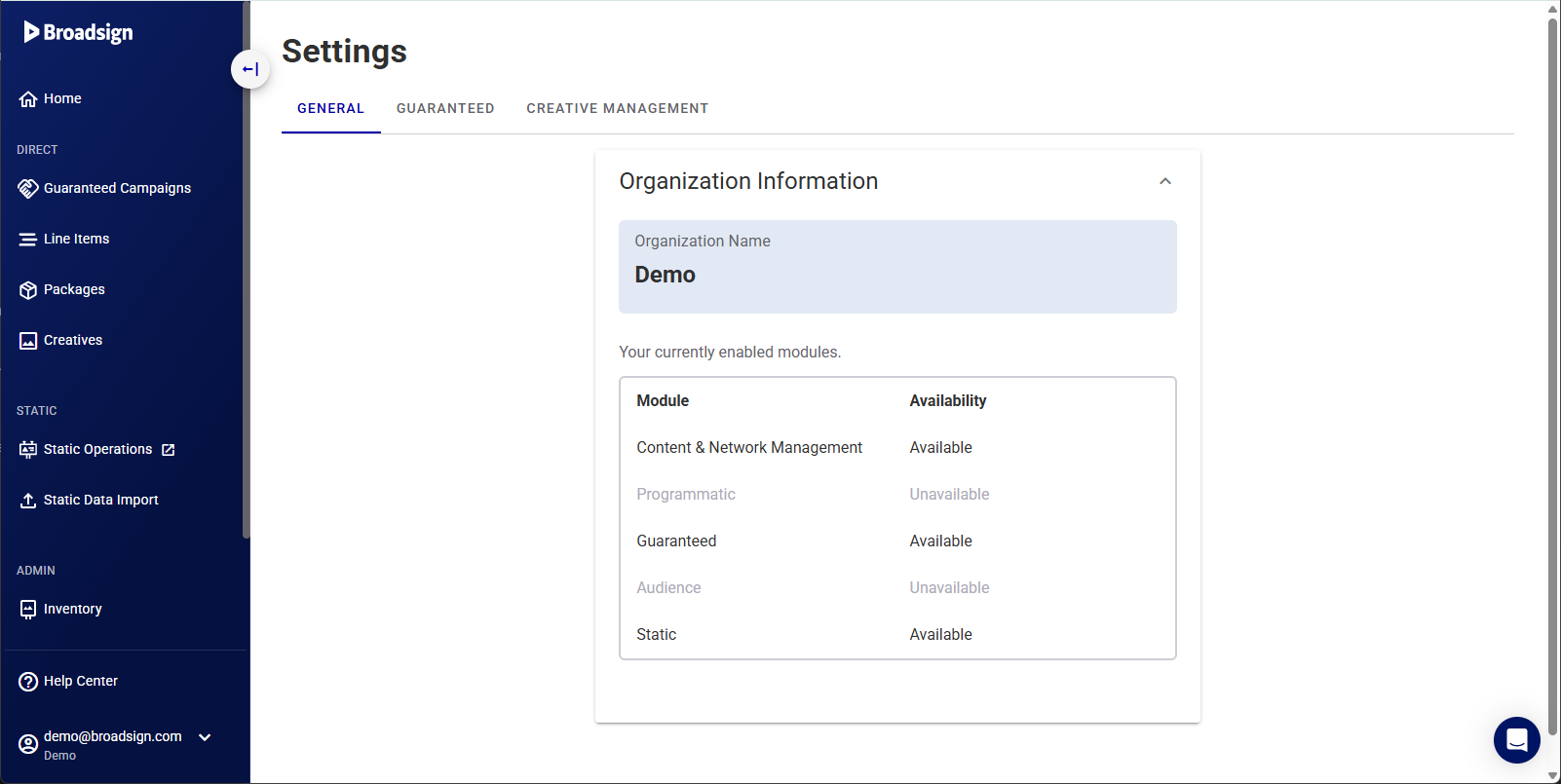
Use the table below to find the settings you need to configure.
| Category | What You Can Configure |
|---|---|
| Guaranteed Settings |
Adjust types of buy, rebalancing rules, variable pricing, and default campaign settings for your direct sales. See Guaranteed Campaigns Settings.
|
| Programmatic Settings |
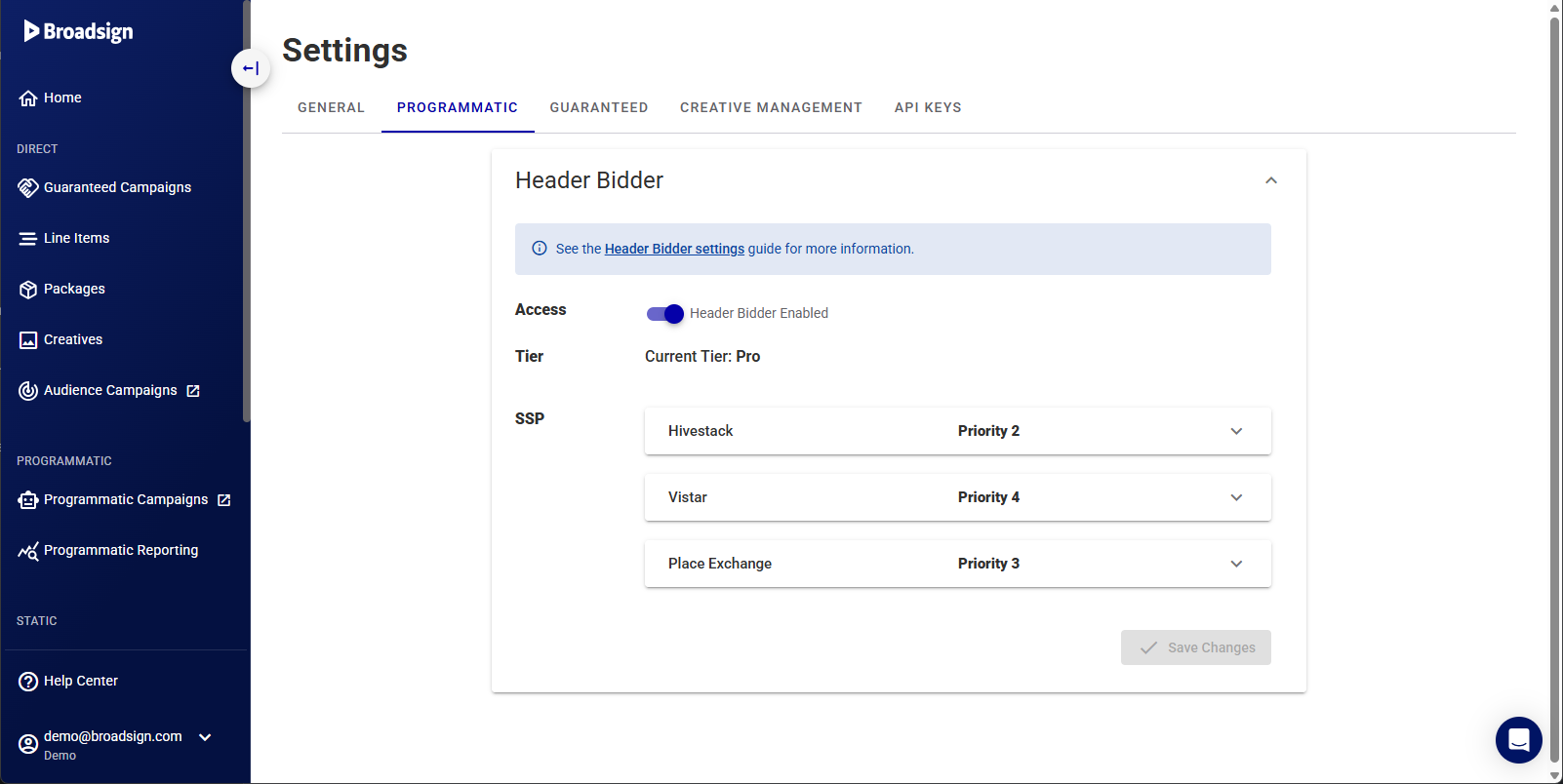
Manage your SSP connections, set up floor prices, and configure rules for programmatic deals.
|
| API Keys |
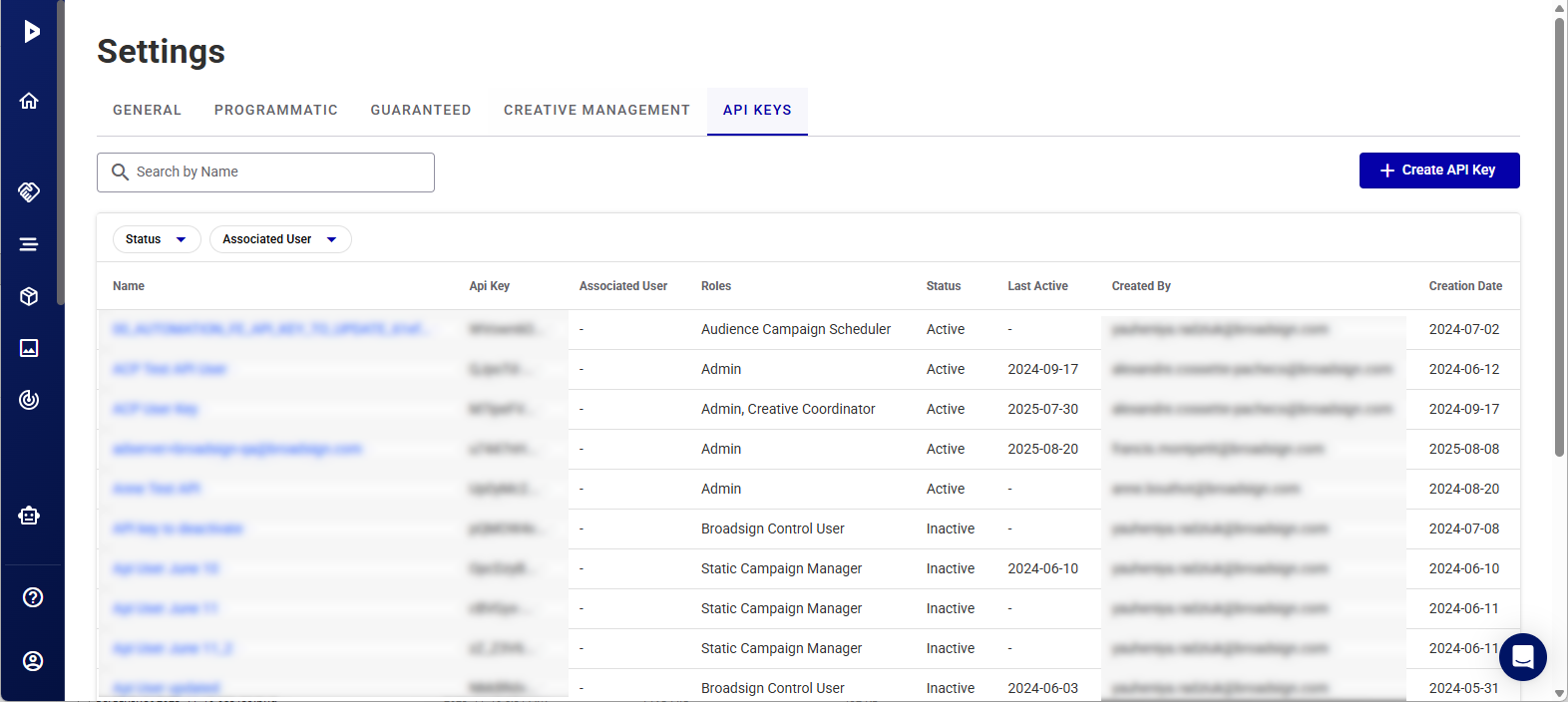
Generate, manage, and revoke API keys for integrating with Broadsign APIs. See API Keys Settings.
|
| Creative Management |
Define rules for creative approvals, set up asset categories, and manage creative specifications. See Creative Management Settings.
|
| General Settings |
Configure your primary company information, manage email notifications, and set up your domains.
|

Creative Management Settings
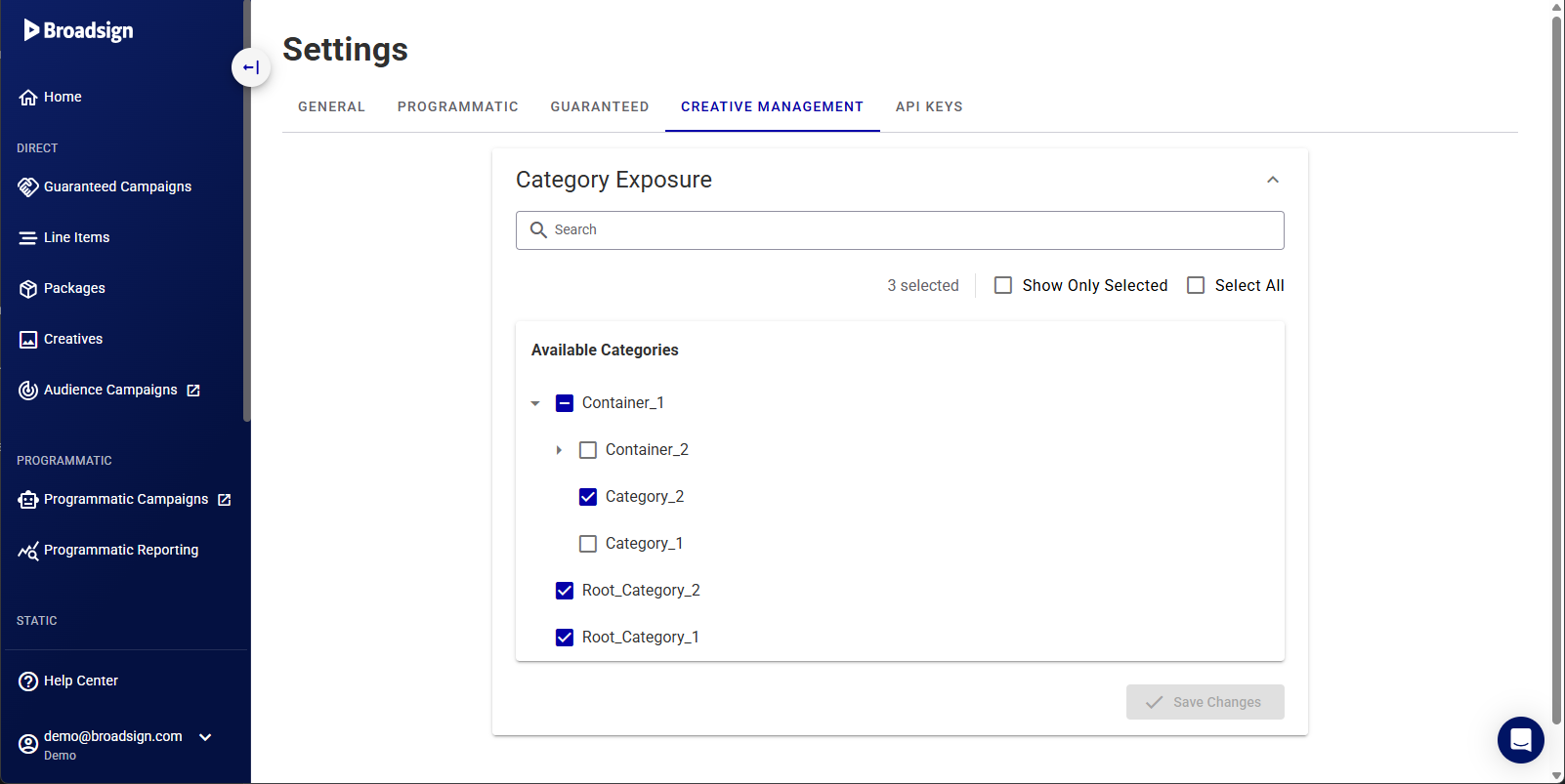
The Category Exposure section allows you to control which content categories are available for your creatives. This helps ensure that your campaigns include relevant content and provide a more targeted playback experience.
Note: Category Configuration is a prerequisite for Competitive Separation. Setting up categories automatically pushes those categories into our Programmatic Campaigns solution.
- Category Selection – Choose the categories you want to make available to your schedulers. These categories determine the types of content that can be included in your campaigns.
- Creative Bundles – When creating or editing creative bundles, you can assign categories from your selected list.
- Content Profiling – Categories help the player intelligently order content for playback, ensuring a smooth and engaging viewing experience.
Categories
Creative Management
Categories allow you to profile the type of content so the player can intelligently order it for playback. Categories are defined in Content and Network Management and imported in the Broadsign Platform. For more information on categories, see Categories & Triggers in the Content and Network Management documentation.