minute read
You can add a maintenance work order.
To add a maintenance work order:
Static Operations
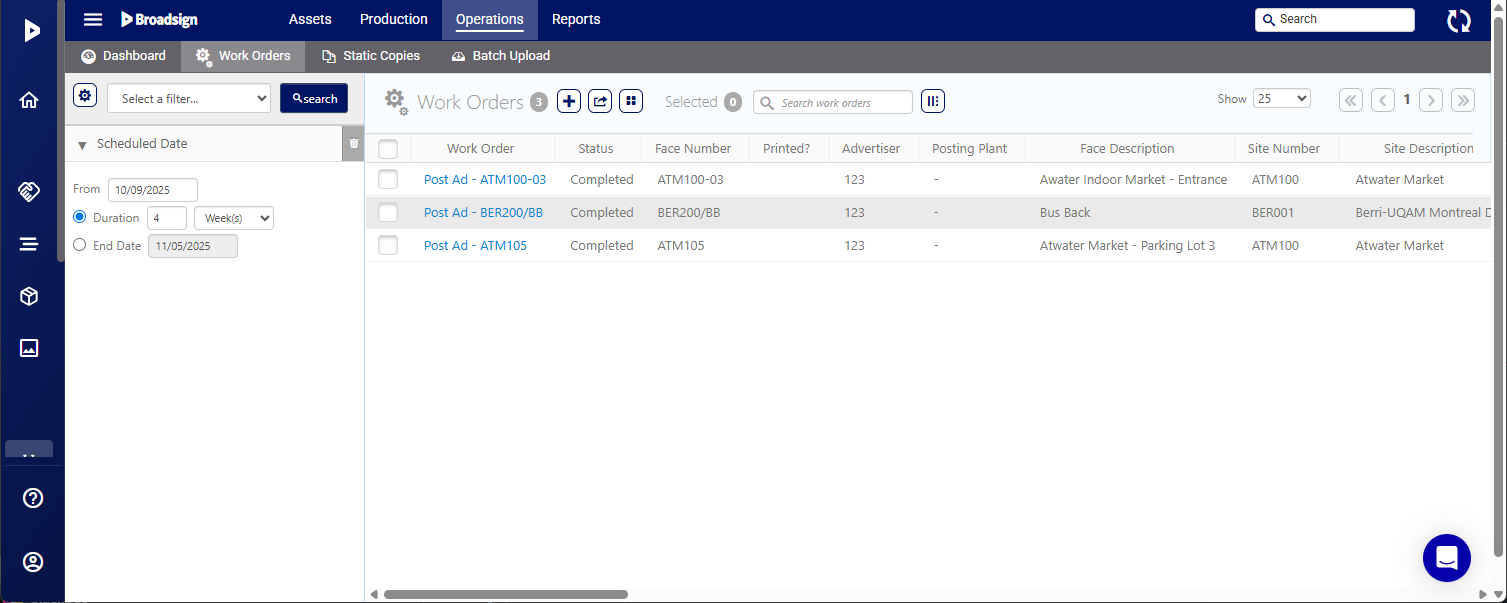
- Access Operations in the top-left menu, click the Operations tab, and then the Work Orders tile.
- Click the
 button to add a new work order.
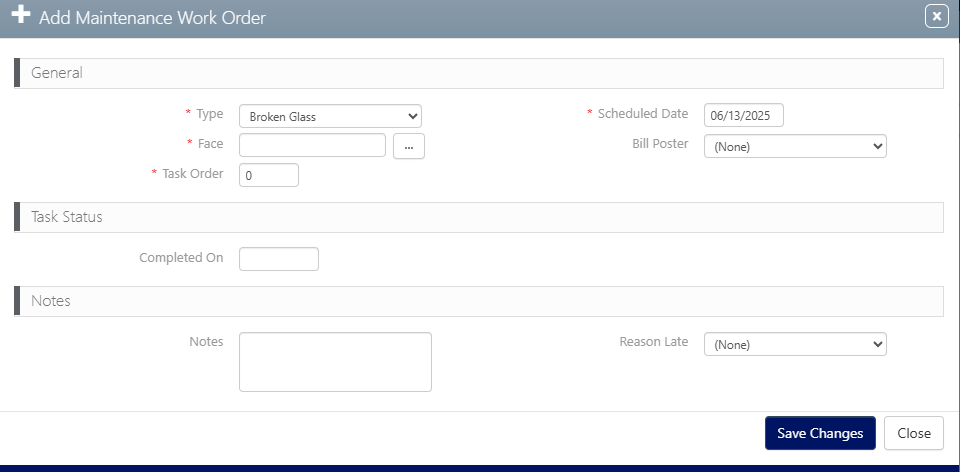
 - Select a maintenance Type in the drop-down menu.
- Enter a date to process the work order in the Sheduled Date field.
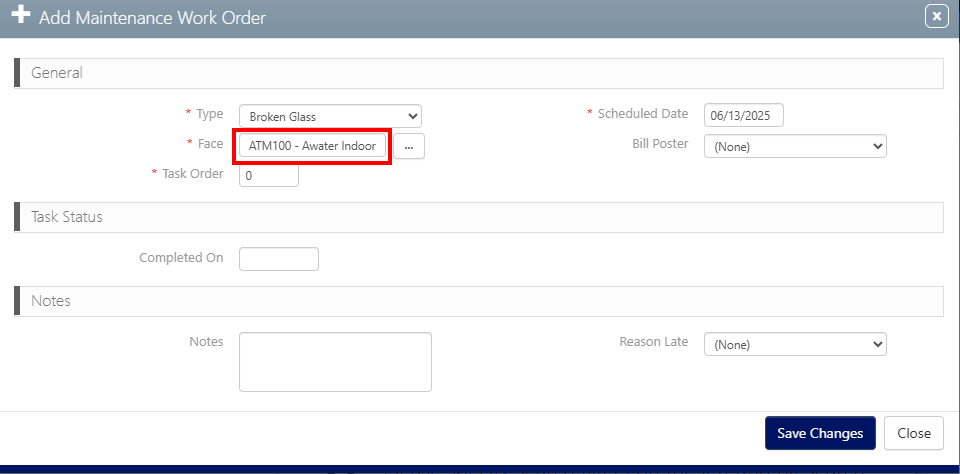
- Select a Face to which apply the work order by clicking the ellipse button on the right.
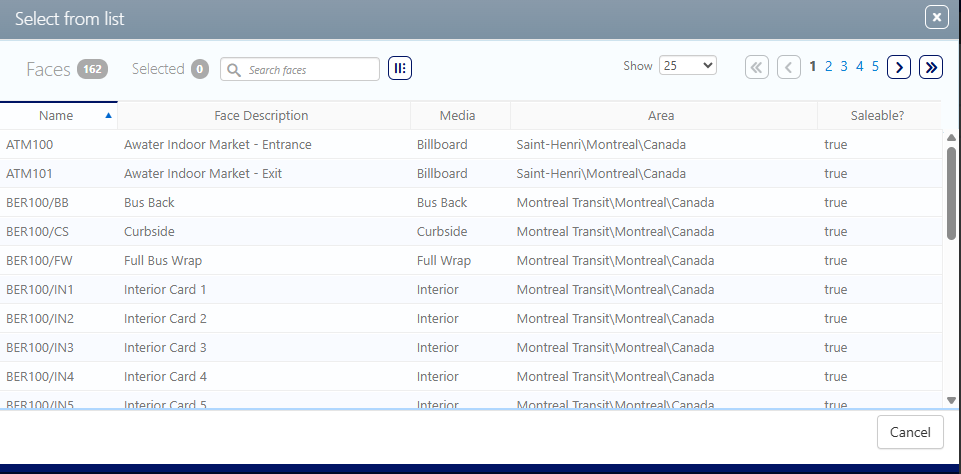
- Click the Face to which apply the work order from the list.
- Click Save Changes.

This presents the filter search window.
The Add Maintenance Work Order window opens.
A list of faces is displayed.
The Face is automatically added in the Face field.