 minute read
Copy Allocation
Static Operations
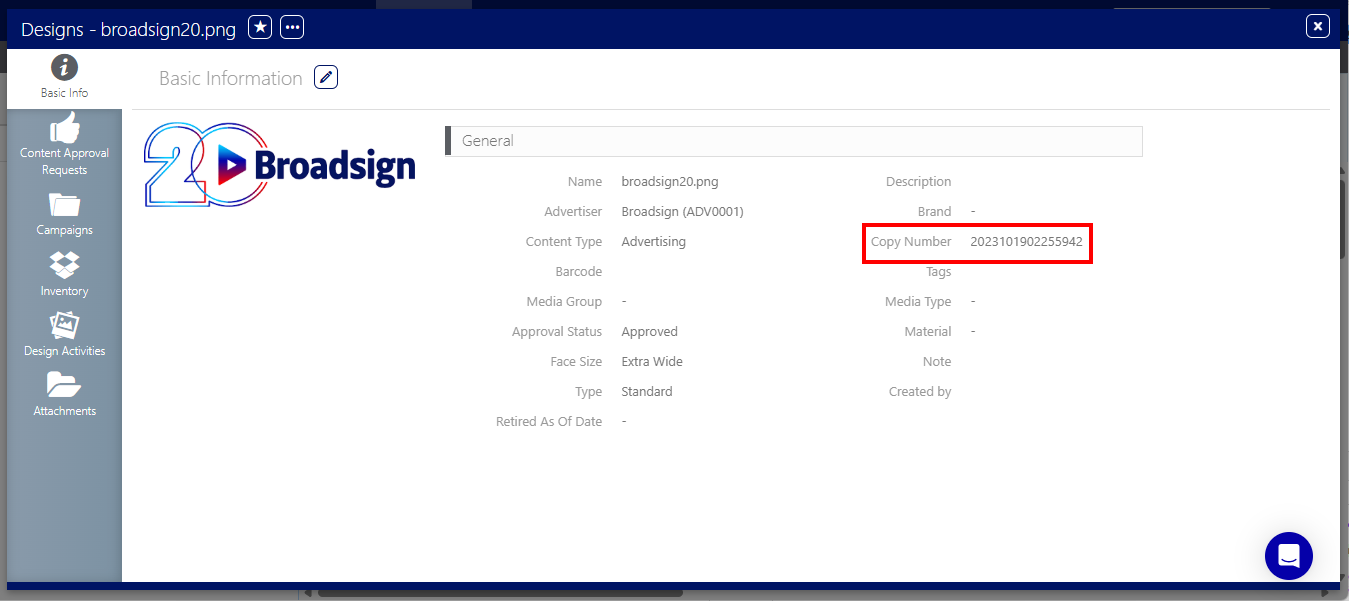
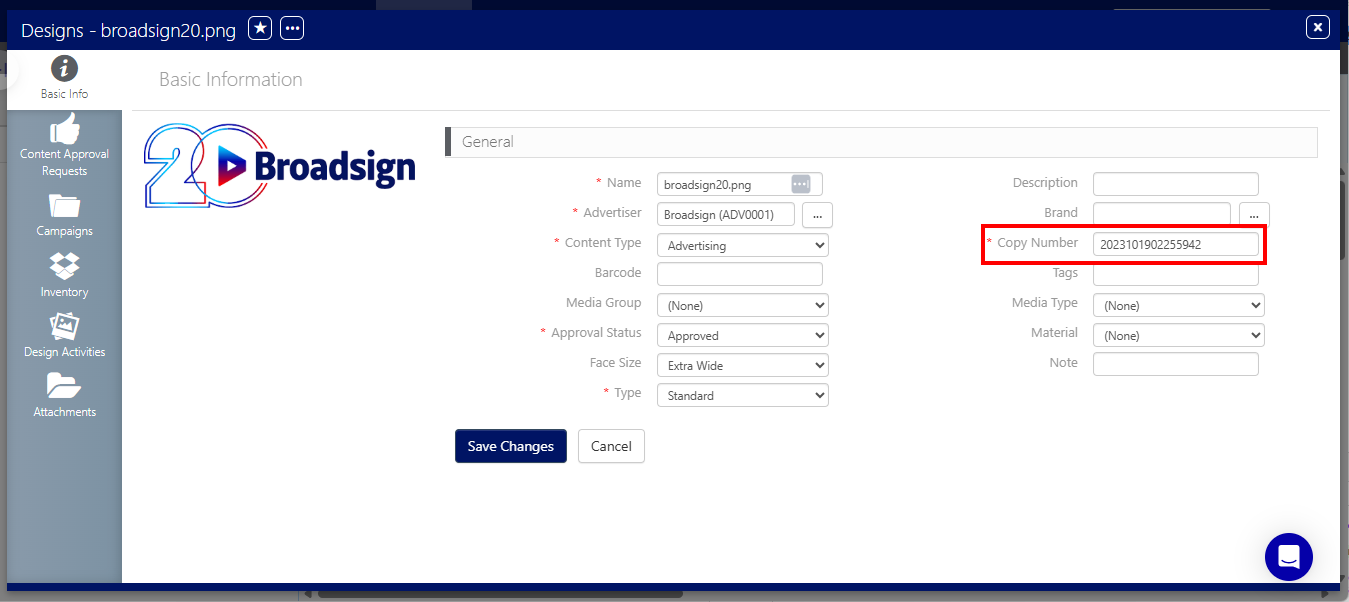
Copy Allocation enables media owners to manage a single poster per design rather than tracking posters by overall quantity. To uniquely identify a design and its associated poster, users reference the Copy Number field located within the Design Basic Info tab.
When generating a new Design, the systems auto-generates a unique Copy Number timestamp code to guarantee database-level uniqueness and auditability. You can also enter your own Copy Number value.
Note: The Copy Number field is mandatory; it cannot be empty.
To manage Face-to-Face reallocations effectively, do the following:
- When entering posters received from print or production, create a distinct Static Copy entry for each physical poster unit. See Upload Designs.
- Name each Static Copy using a convention that reflects its unique physical counterpart or inventory tag.
For example:
- Static Copy #1 (Name BSH-001 | Copy Number: 20250519103001) > Face A
- Static Copy #2 (Name BSH-002 | Copy Number: 20250519103002) > Face B
- Static Copy #3 (Name BSH-003 | Copy Number: 20250519103003) > Face C
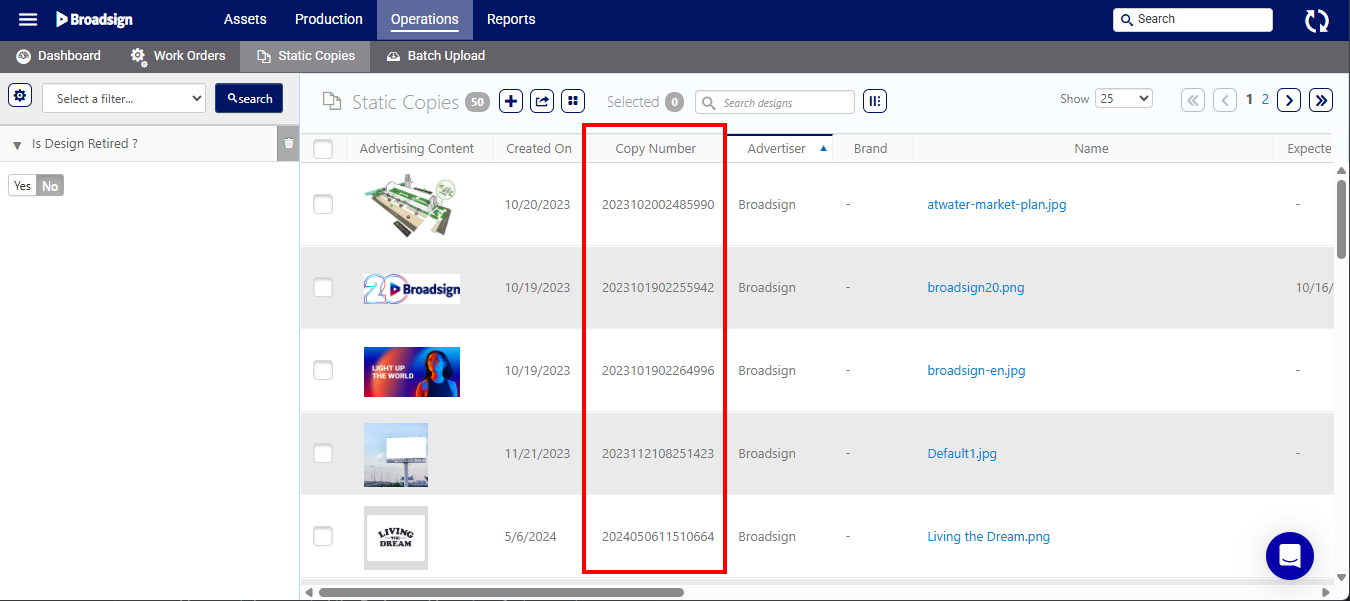
The Copy Number value is integrated at the following locations:
- Static Copies
- Static Copies list
-
Add Designs window.
- Basic Info tab of a design.
-
Work Orders
- Work Orders list
-
Work Order Basic Info tab.
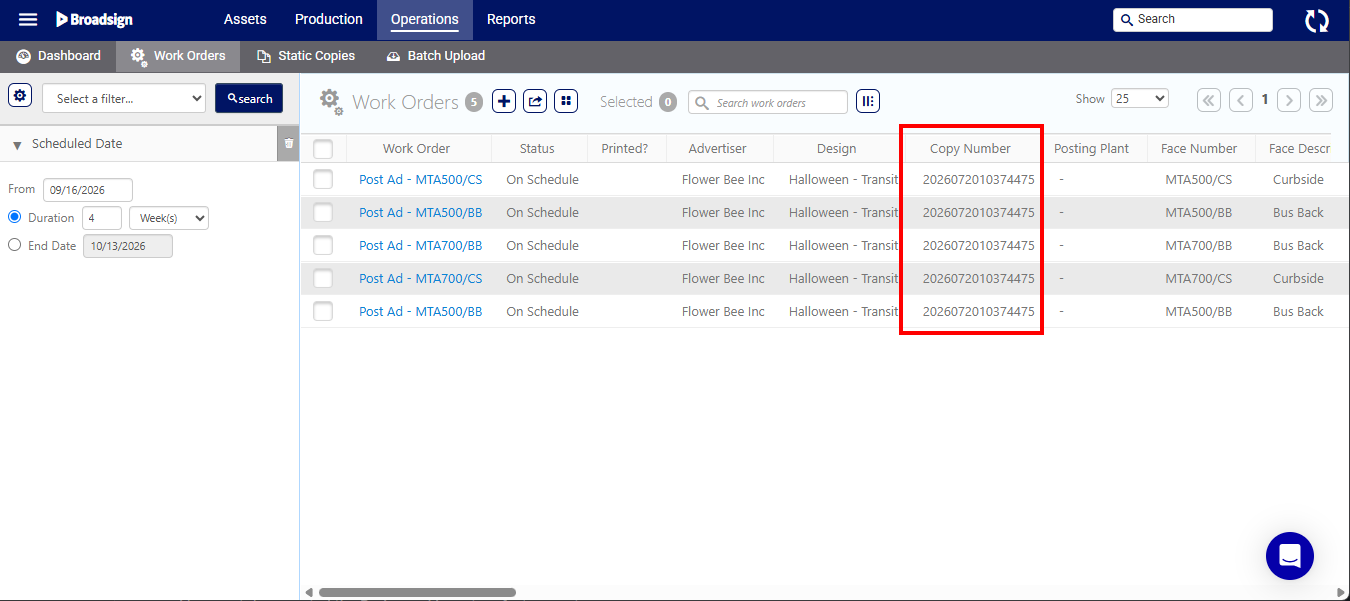

- Work Order Reports – The Copy Number value is displayed in the Work Order reports.
- Posting Dashboard – The Copy Number value is displayed in the Posting Dashboard.
- APIs – The dedicated copy identifier and system-generated Copy Number are exposed via static inventory and campaign endpoints for external integrations.
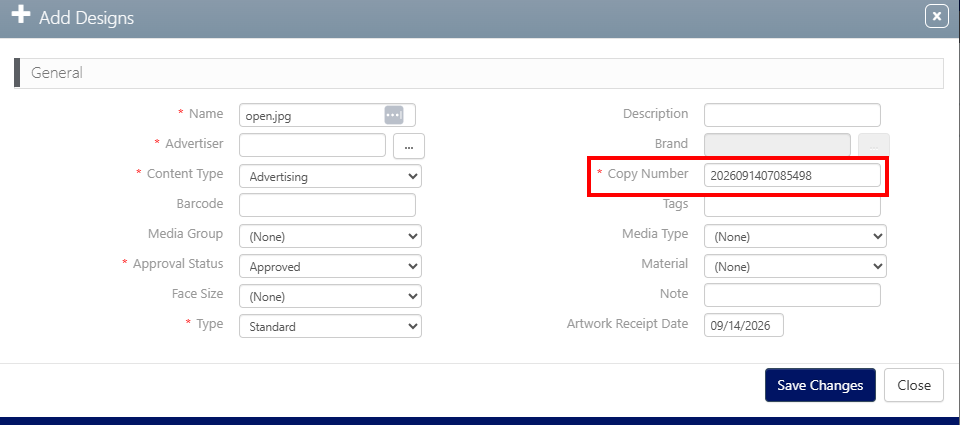
You can replace the automatically-generated Copy Number when adding a new Static Copy. For more information, see Upload Designs.
You can edit the Copy Number of a design in the Basic Info tab of a design.
Although the Copy Number is available in the Basic Info tab of a Work Order, it is read-only.
