 minute read
Static Bookings
Static Operations
A Static Booking represents a line item in a static campaign. You define static bookings when creating a static campaign within the Broadsign Platform module. A campaign acts as a collection of one or more static bookings, with each line item in the campaign representing a single booking. For more information, see Create a Static Line Item.
Individual static bookings within a single campaign can span different dates. This variation frequently occurs because advertising inventory availability fluctuates and customer requests often alter schedules.
You can view all static bookings for a campaign in the Static Bookings tab of the Campaign record.
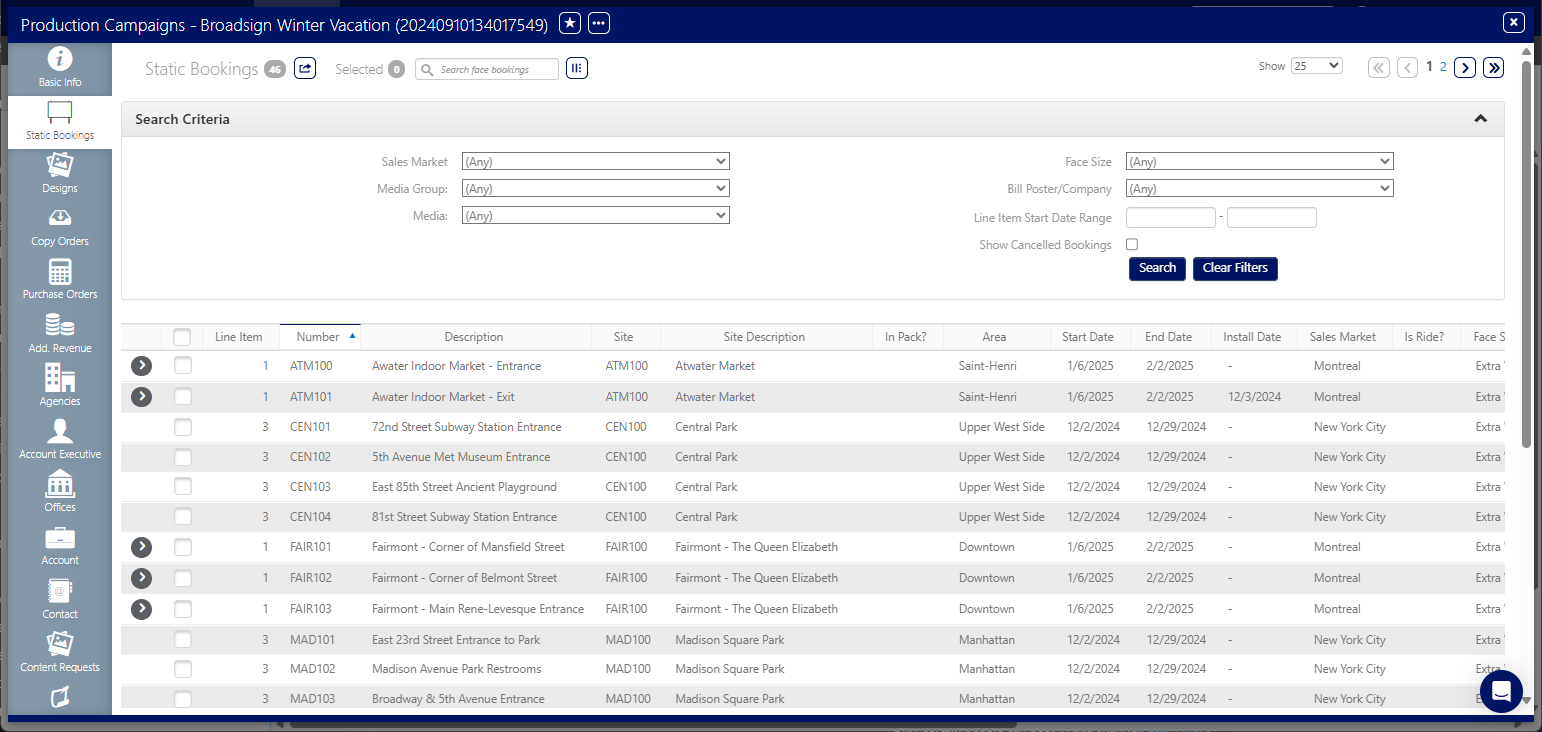
To access static bookings:
Static Operations
- Access Operations in the top-left menu, click the Production tab, and then the Campaigns tile.
- Use the filters to locate the campaign for which you want to view the static bookings. Locate and open the needed campaign record.
- Click the Static Bookings icon in the left navigation bar.
- Use the Search Criteria filters to identify a specific billboard, pillar or other location.
- Sales Market
- Media Group
- Media
- Face Size
- Bill Poster/Company
- Line Item Start Date Range

This presents the filter search window.
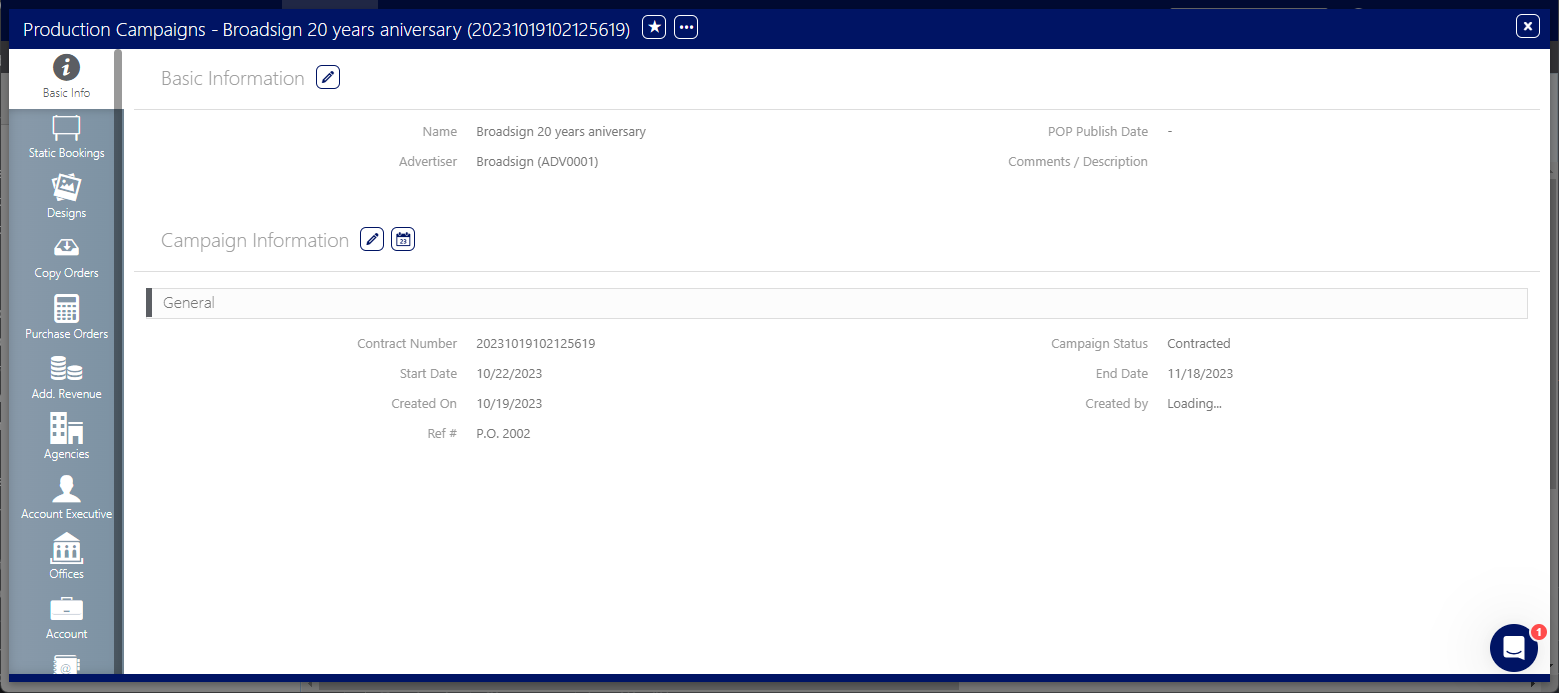
This presents the campaign record's Basic Info screen.

The screen refreshes to show the line items information.
The following filters are available:
You can check the Show Cancelled Bookings option.
You can also use the sort columns on this list to locate a Face quickly.
