You can edit a campaign.
- The campaign name and Advertiser used can be modified at the campaign level.
- The campaign targeting information can be modified at the line order level.
Note: The Audience Campaigns module is available to users with the Audience Campaign Planner and Audience Campaign Scheduler role.
Editing the campaign name and Advertiser used can be done at the campaign level.
To edit the campaign name and Advertiser used:
Audience Campaigns
- In the Campaign list, click the name of the campaign that you want to modify.
- Click the
 button to change the campaign's name and advertiser used.
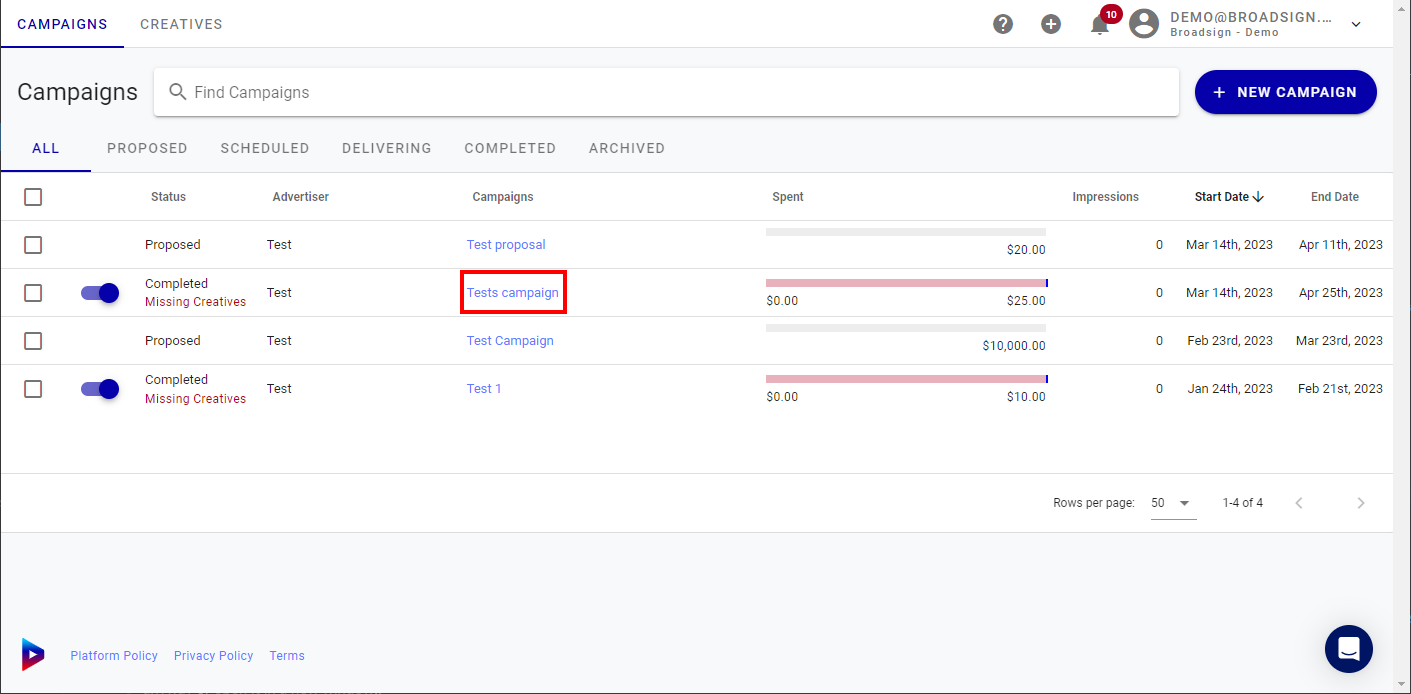
The Campaign view page is displayed for that particular campaign.
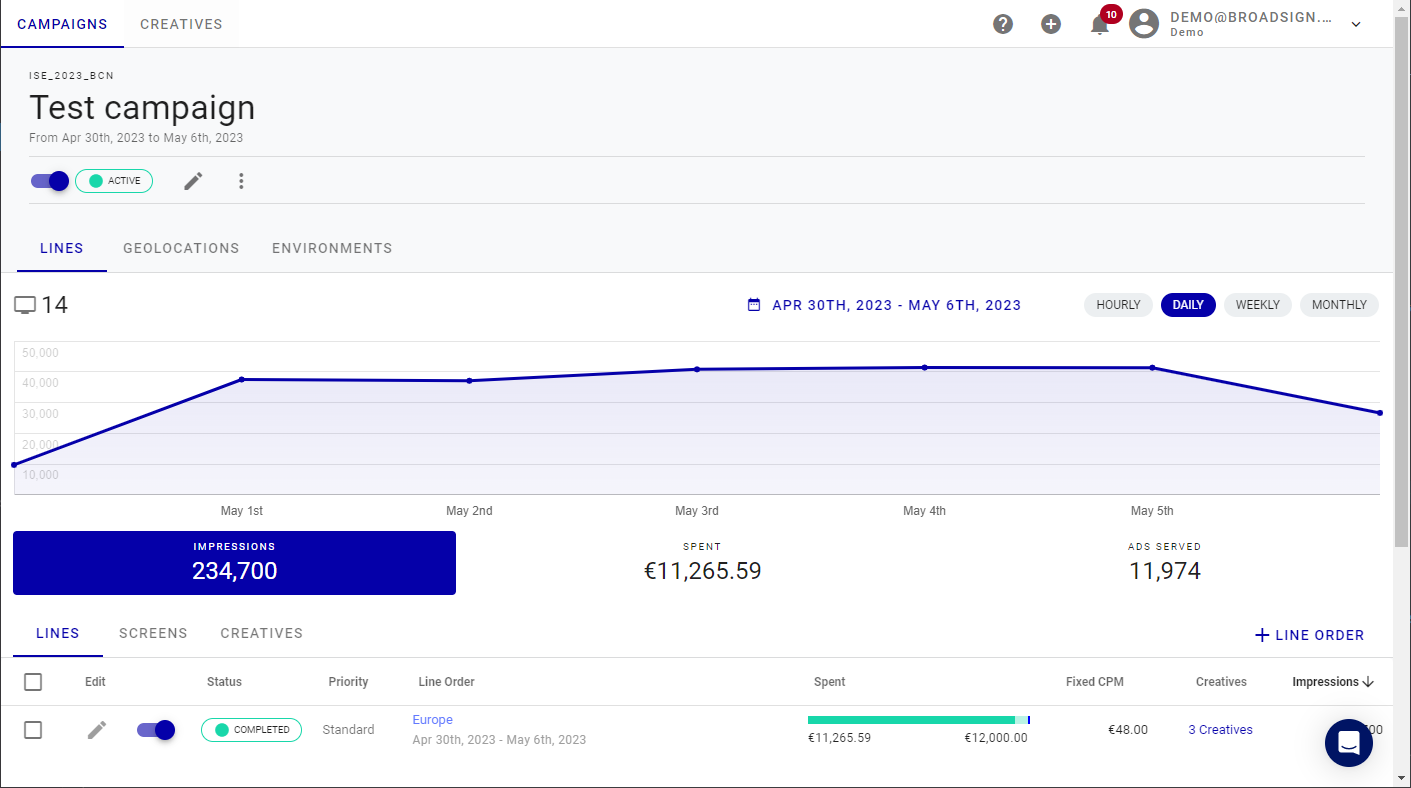
The Edit Campaign window is displayed:

Editing the campaign targeting information is done at the line order level.
To edit a campaign targeting:
Audience Campaigns
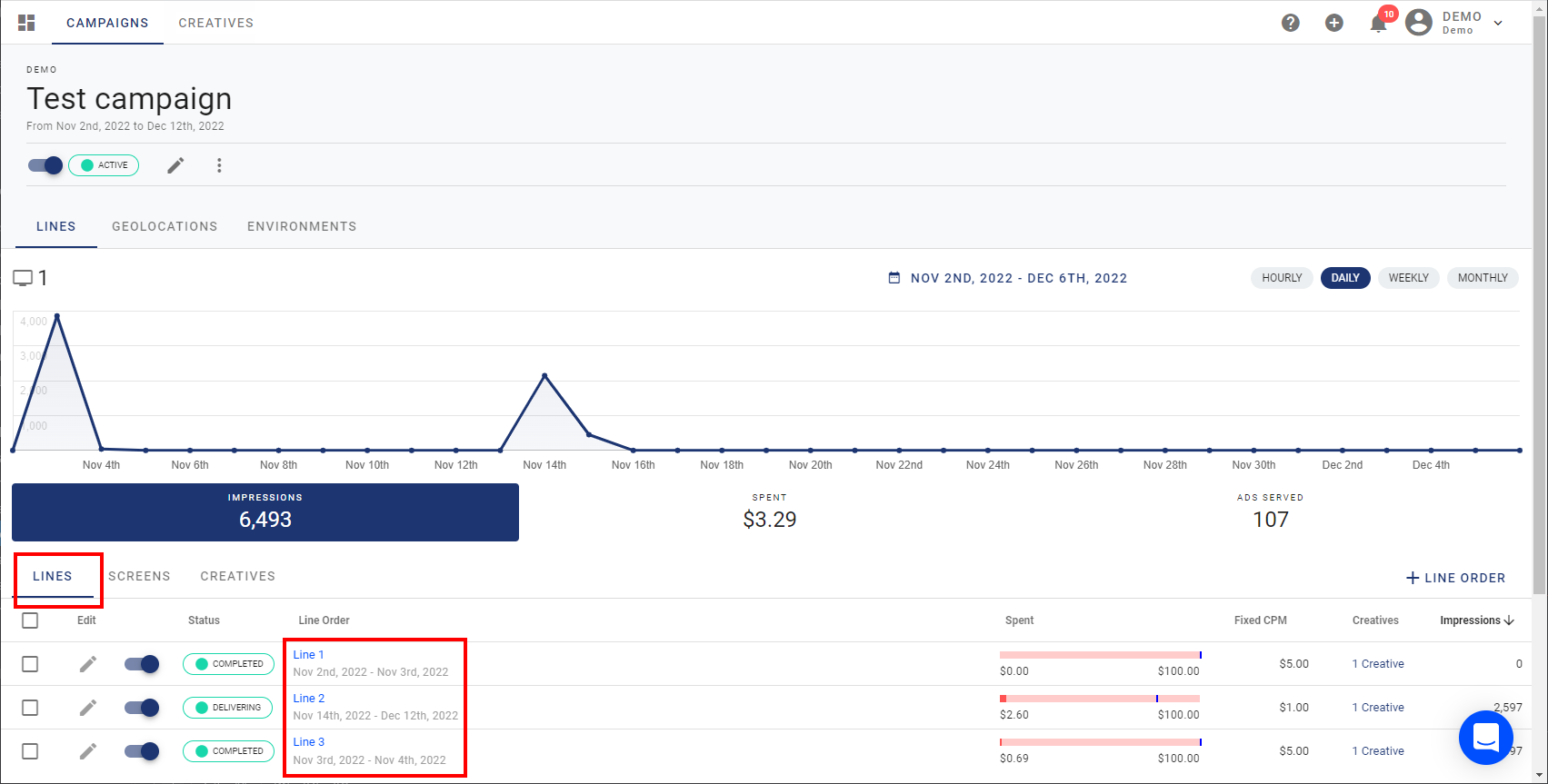
- In the Campaign list, click the name of the campaign that you want to modify.
- Scroll down to the Information section and click the Lines tab, which lists all line orders in the campaign.
- Click the button next to the line order that you want to modify.
- Click Save.
- Repeat for each line order that you want to modify.
The Campaign view page is displayed for that particular campaign.
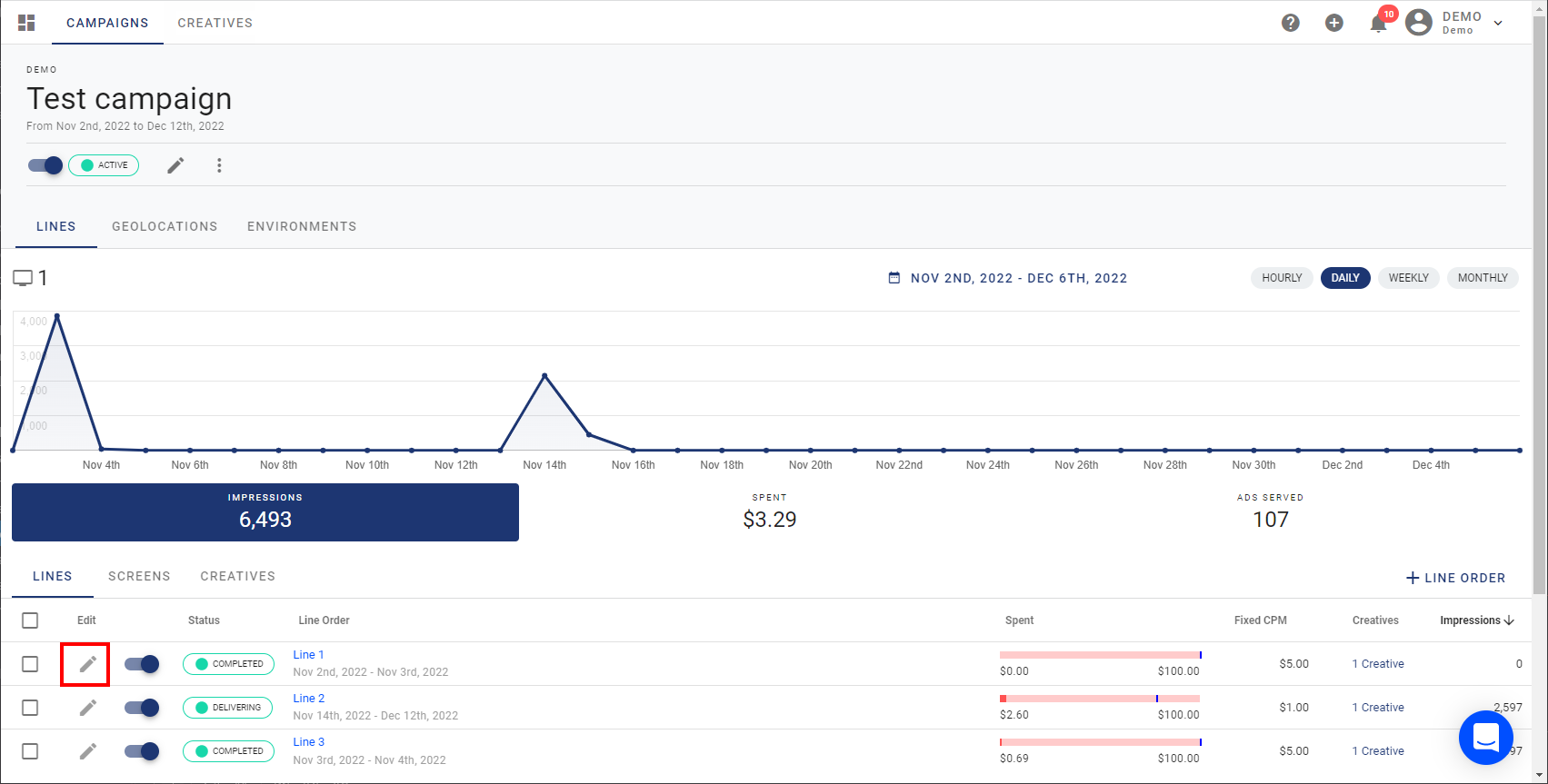
This will launch the campaign creation wizard, guiding you through the same steps outlined in Create an Audience Campaign.

