 minute read
We are unifying the login experience across the Broadsign ecosystem to make managing your Place Exchange portal access smoother and more secure.
The following video gets you started with a quick overview of platform access and navigation basics.
Depending on your account credentials, review the following login flows:
To log in the Place Exchange platform:
- Users logging in the Place Exchange Portal with an email address:
- If you log in to Broadsign Platform first, click the Place Exchange module under the Programmatic section in the navigation bar on the left.
-
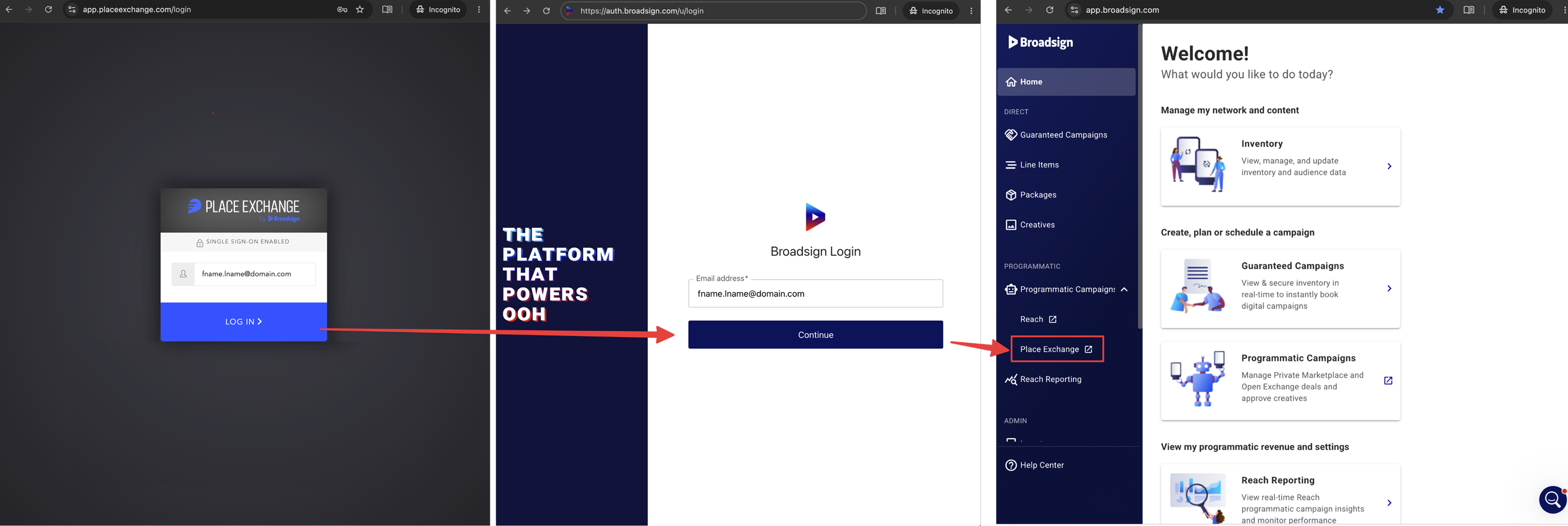
If you log in to the Place Exchange Portal directly from the Place Exchange login page using your email address as the username, the Broadsign Platform now centralizes authentication.
- Go to the Place Exchange login page as usual. Once you enter your email, the system will automatically redirect you to the Broadsign Platform login page.
- After authenticating in the Broadsign Platform, you are redirected to the Place Exchange portal.
- Users logging in with a legacy Place Exchange username:
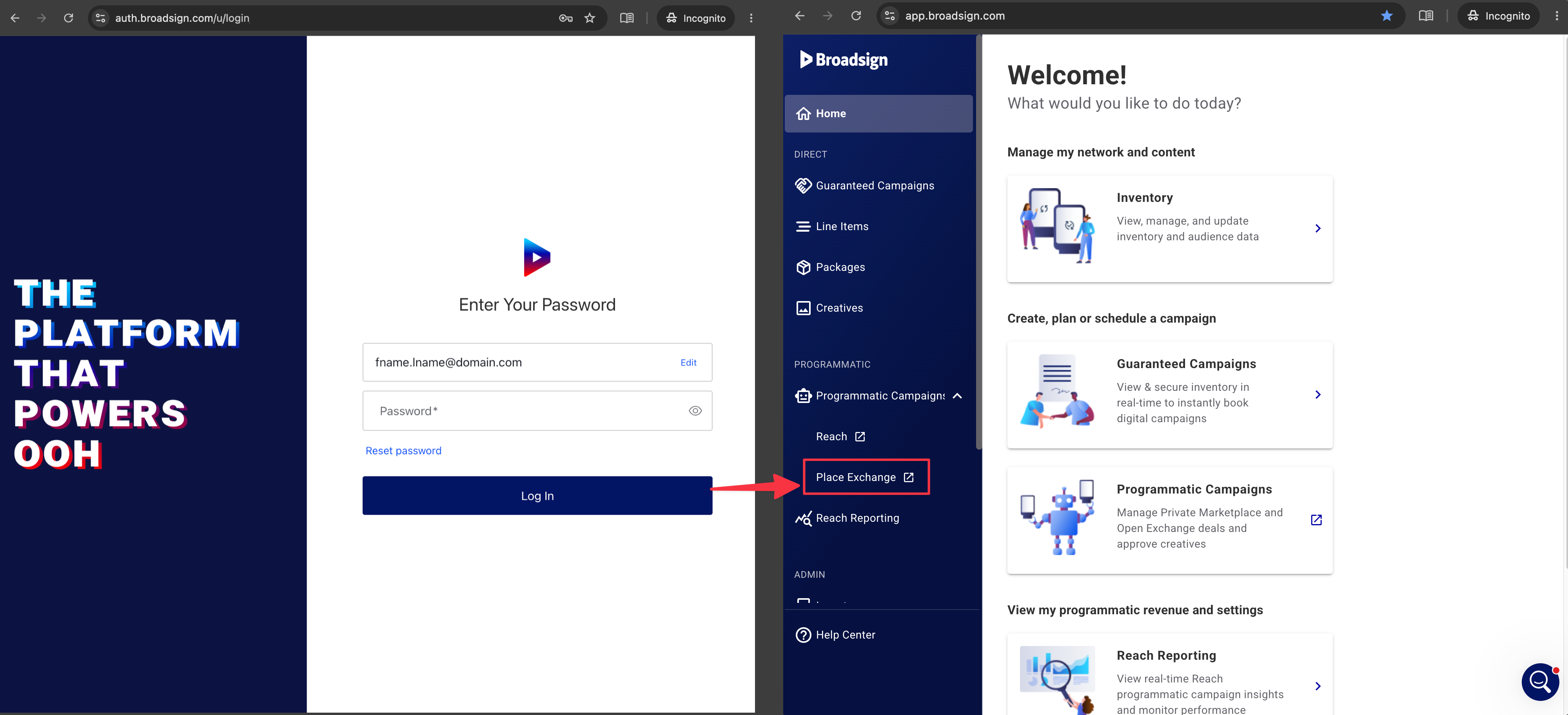
The Place Exchange platform opens in a new tab.
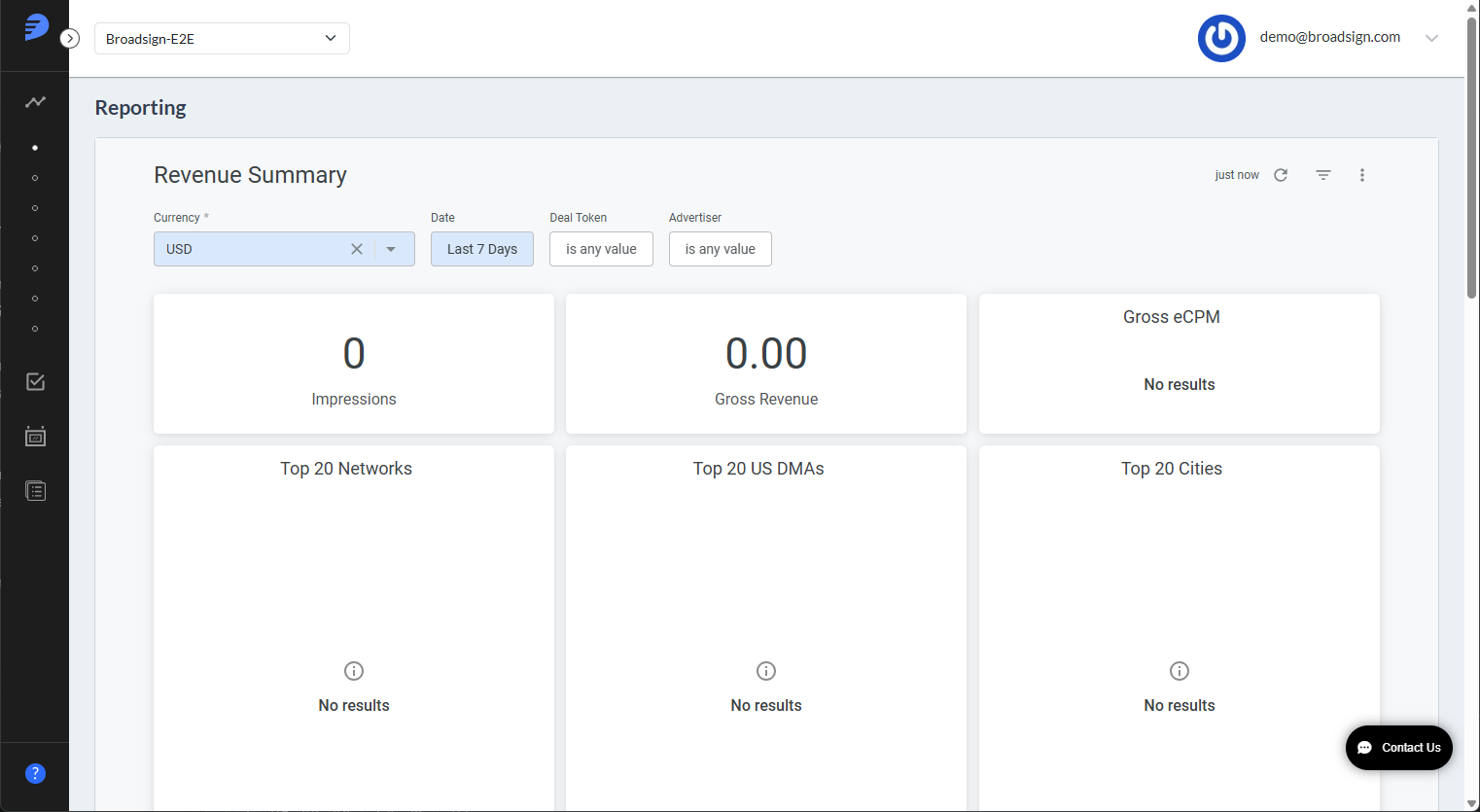
For more information, see The Login Page.
If your account uses a dedicated Place Exchange username (not an email address), your login experience remains exactly the same.
You can continue to enter your unique Place Exchange username and password directly into the Place Exchange login portal for immediate access. No redirection will occur.
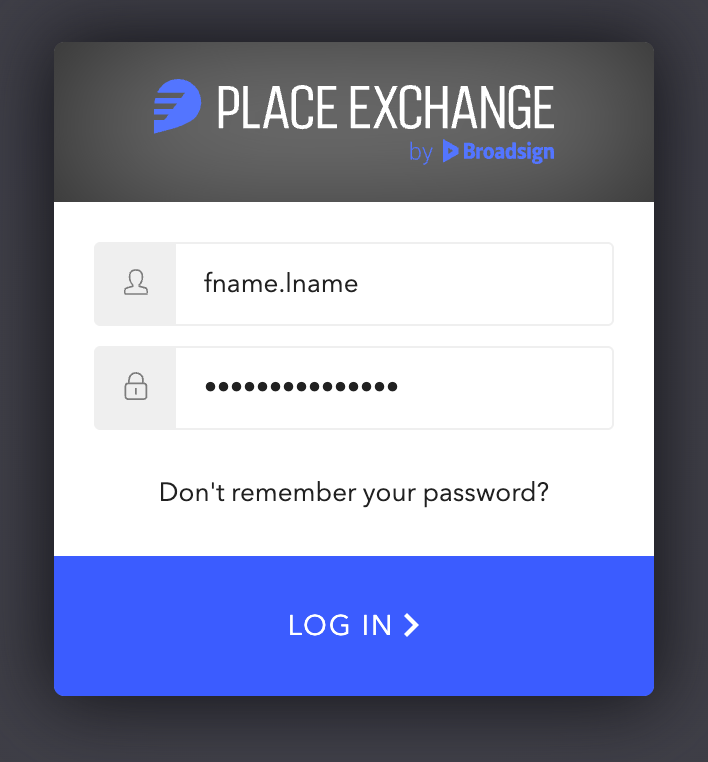
If you do not remember your password, click on Don't remember your password? and a reset email will be sent to your company email account.
If you have trouble resetting your password, contact your Partnership Manager or email help@placeexchange.com.