 minute read
Portal: Integrate Keywords into Ad Approval And Support Keyword Restrictions in Inventory Imports
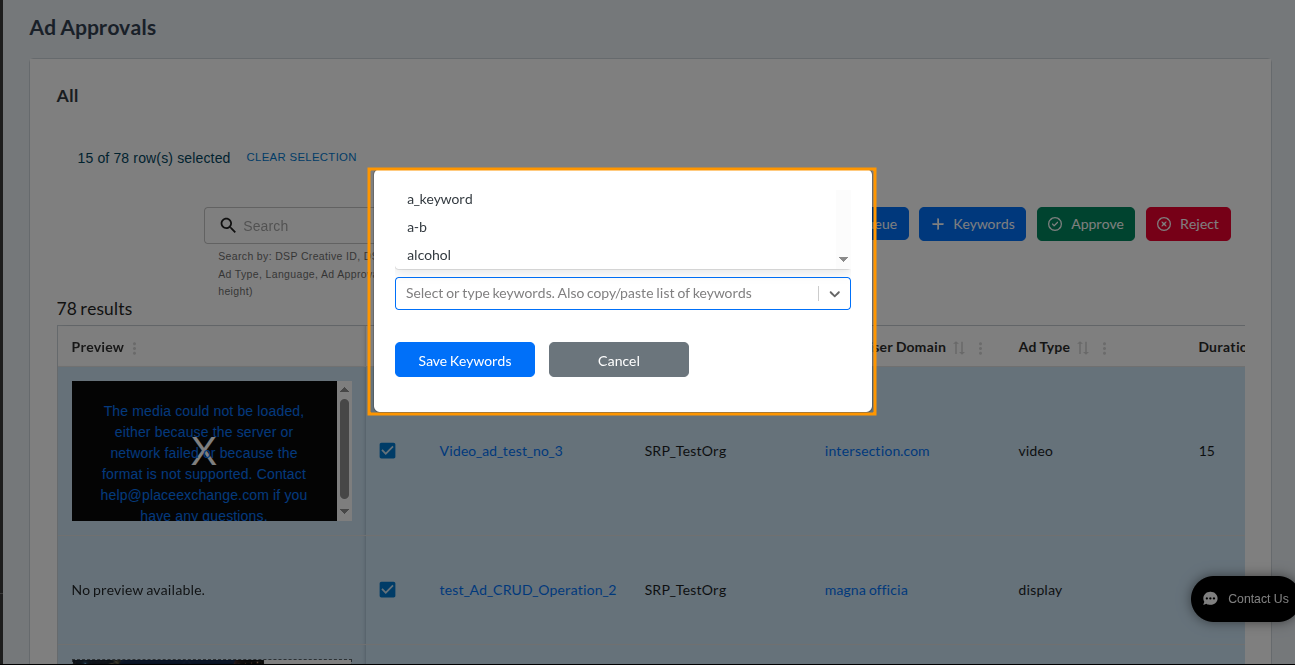
Add keywords in bulk
Select multiple records on the Ad Approval Summary page and assign keywords to all at once via the + Keywords button and modal. The backend automatically deduplicates keywords when applied in bulk.
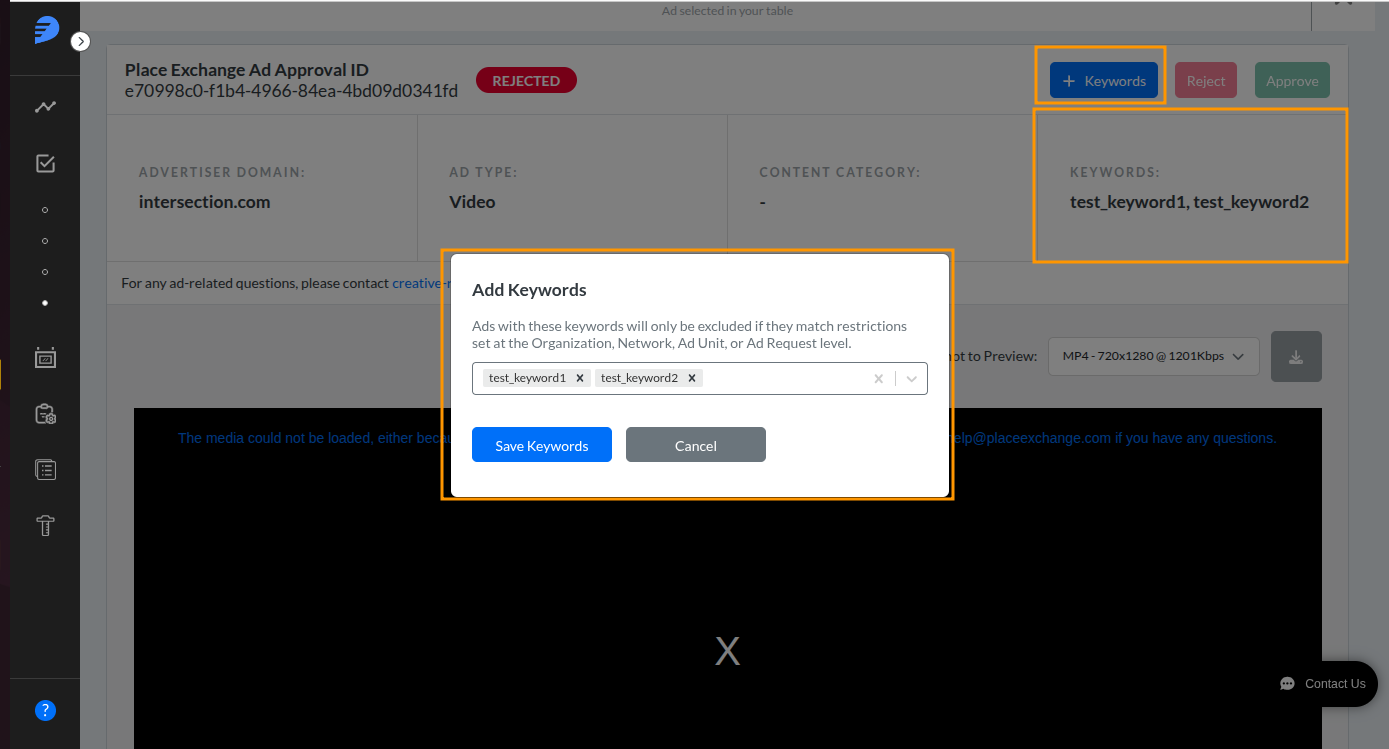
Add keywords to individual creatives
Clicking the + Keywords button on the single ad approval page opens a new Add Keywords modal with an auto-populated drop-down of existing org-level keywords. Keywords can be added regardless of creative status (Approved, Rejected, or Pending).
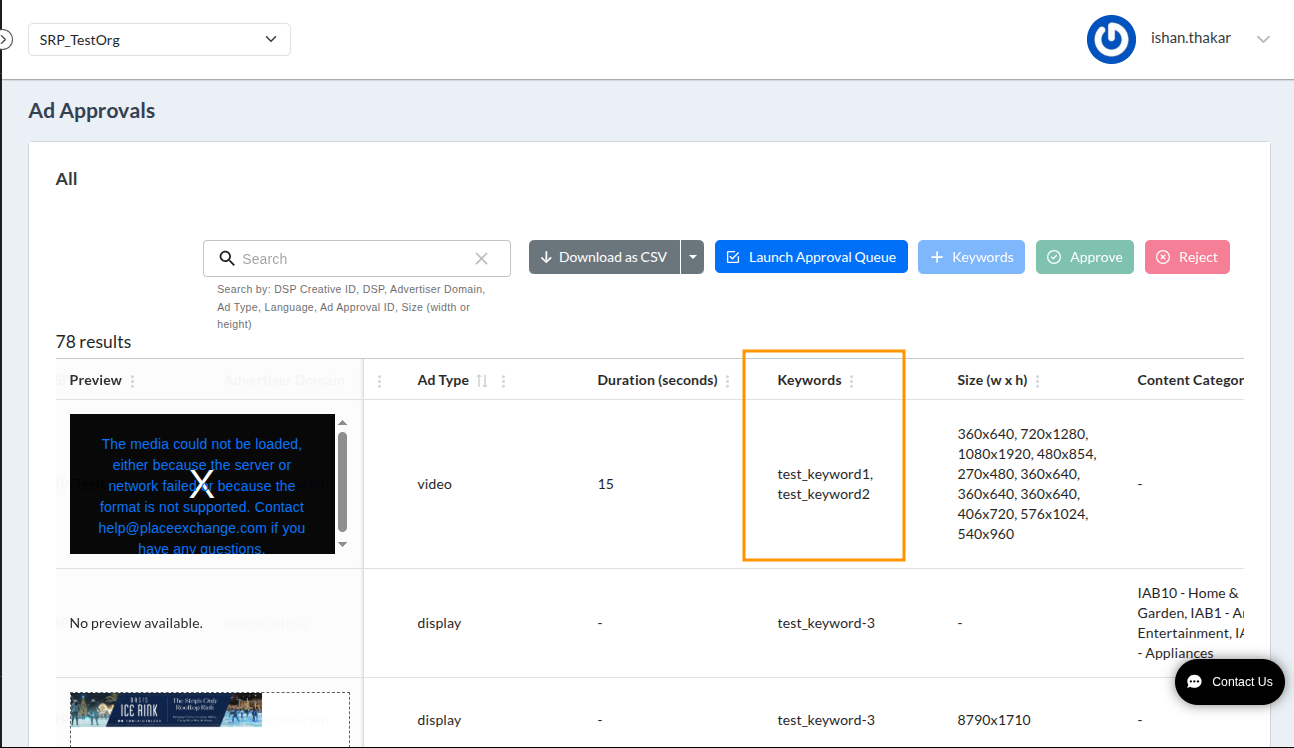
View keywords in summary view
A new Keywords column appears in the Ad Approval Summary view, displaying keywords for each record.
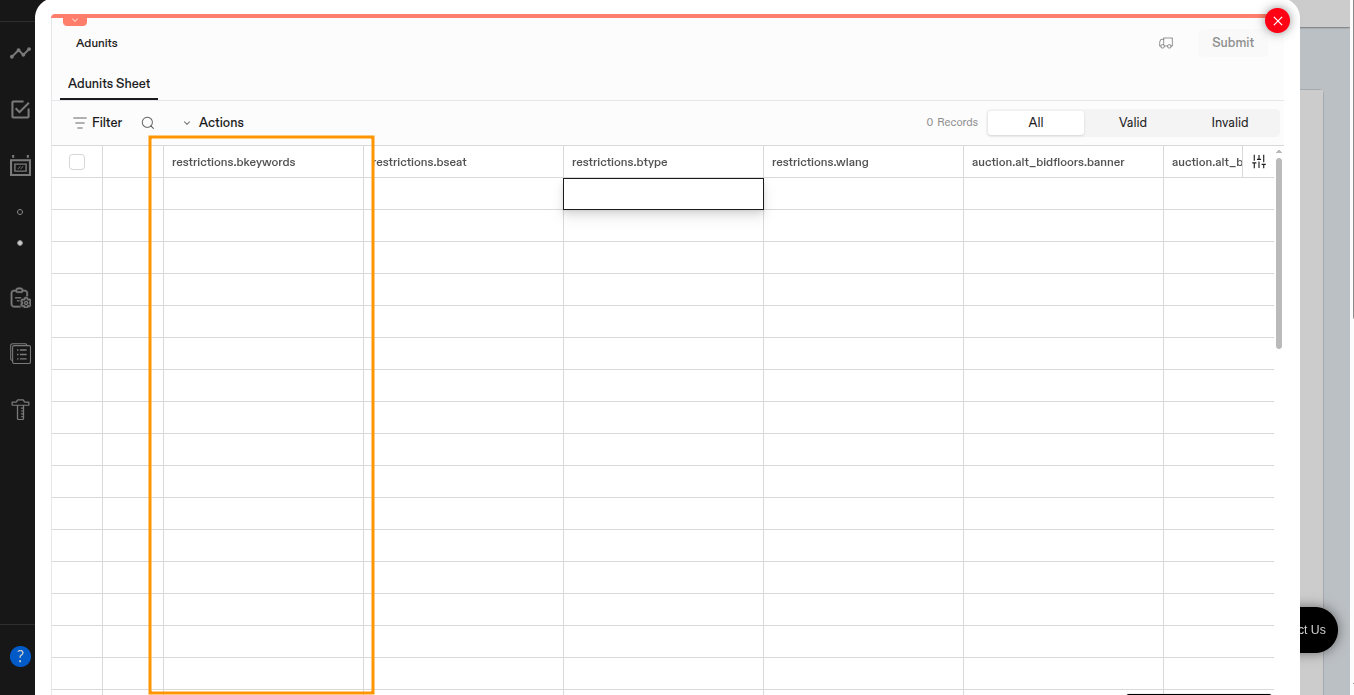
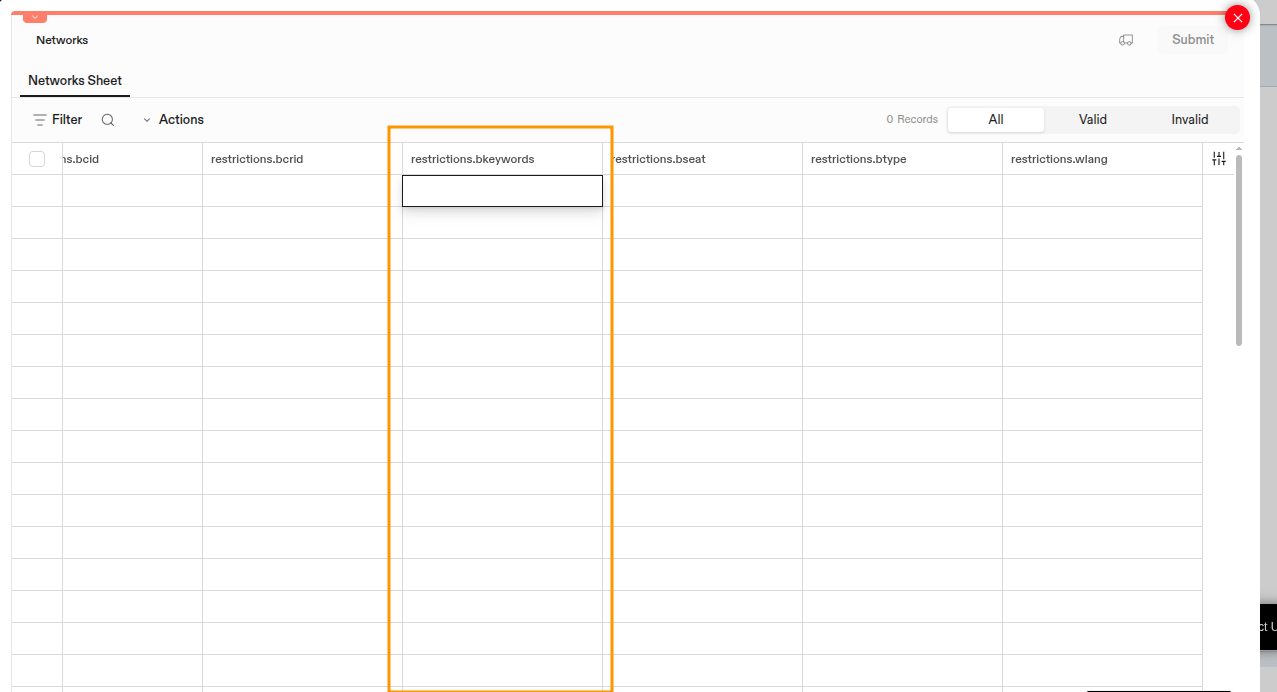
Add keyword restrictions in inventory upload
A new restrictions.bkeywords column allows setting restriction keywords directly via bulk upload. It supports UTF-8 characters in keyword values and applies to Network and Ad Unit imports. The data dictionary is updated for the restrictions.bkeywords field.