 minute read
Portal : Updated Report Download Guidance in Looker Reports

Added clear download recommendations to the How to use this report section across all Looker reports in the Portal. To prevent potential discrepancies between report totals and exported rows caused by CSV decimal rounding, users are advised to select Unformatted when exporting CSV files or choose the XLSX format for full-precision totals.
Portal : Help Center link in sidebar, Inventory, Campaigns, Measurements and in-page links point to Broadsign
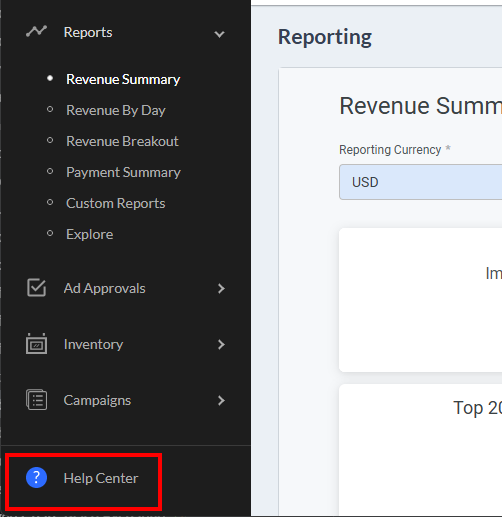
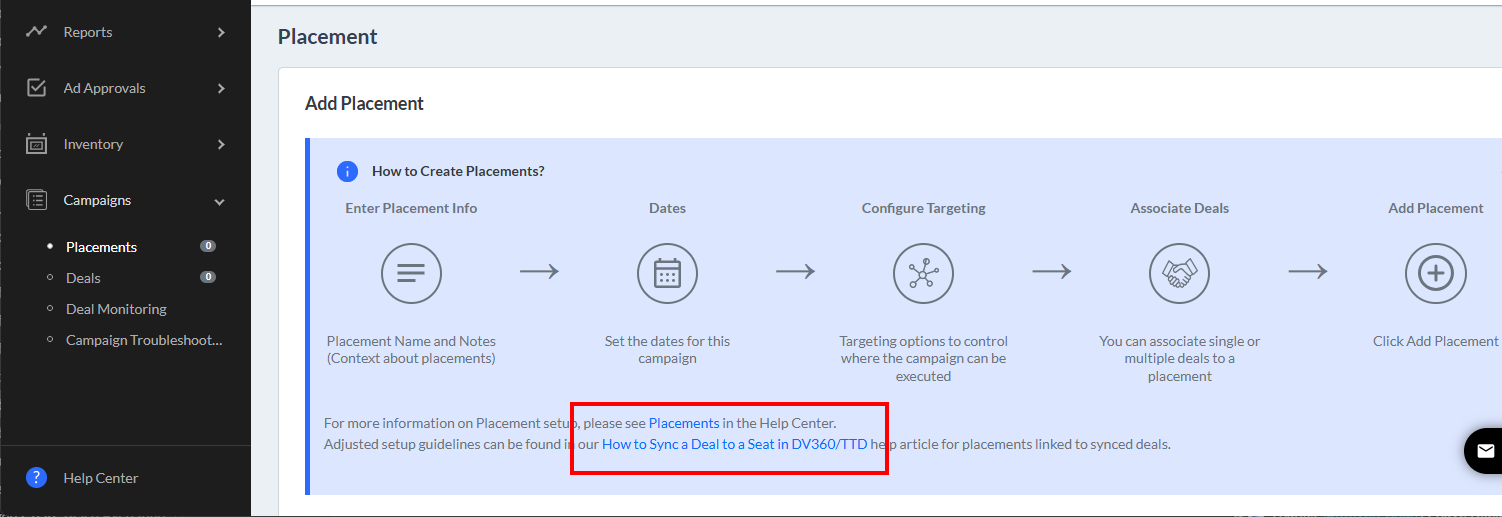
All help and documentation links across the portal have been updated to direct users to the official Broadsign Help Center. Users will now access the latest guides and documentation for reporting, inventory management, deal workflows, ad approvals, and custom reporting directly on Broadsign's documentation platform.
Portal : Preserve Existing Keywords & Networks During Bulk Ad Approvals
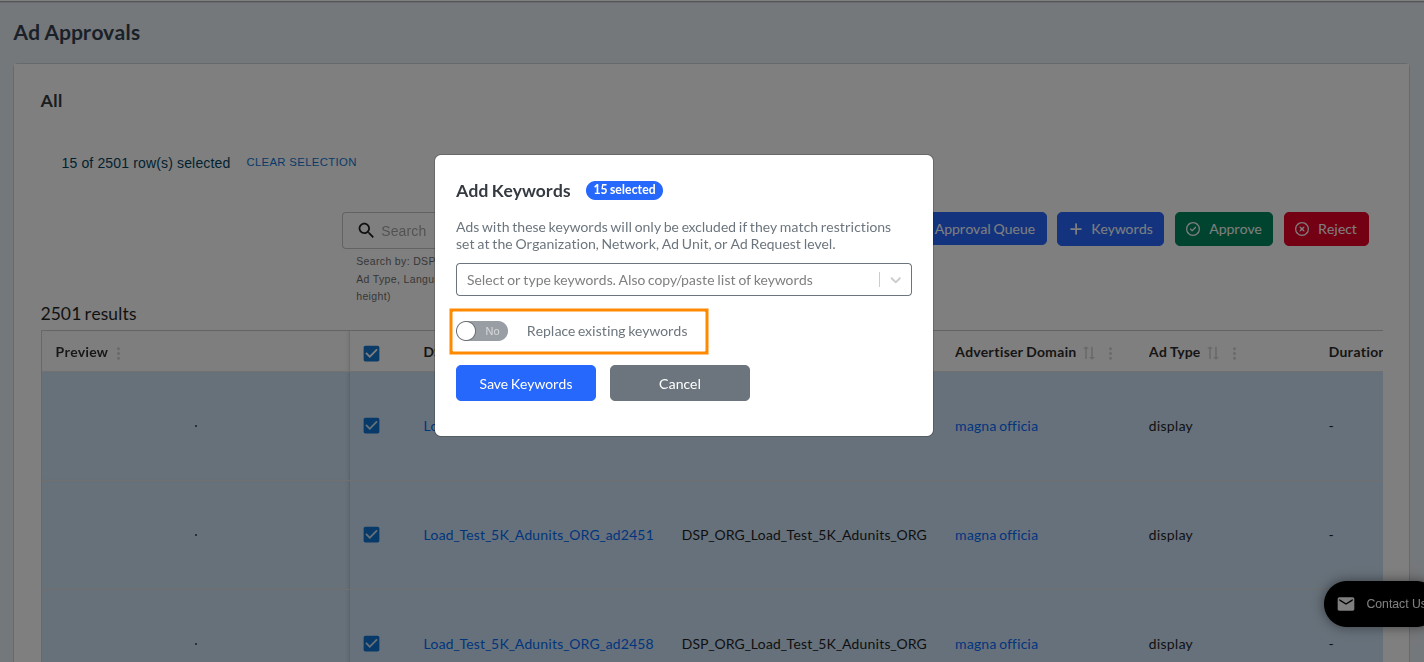
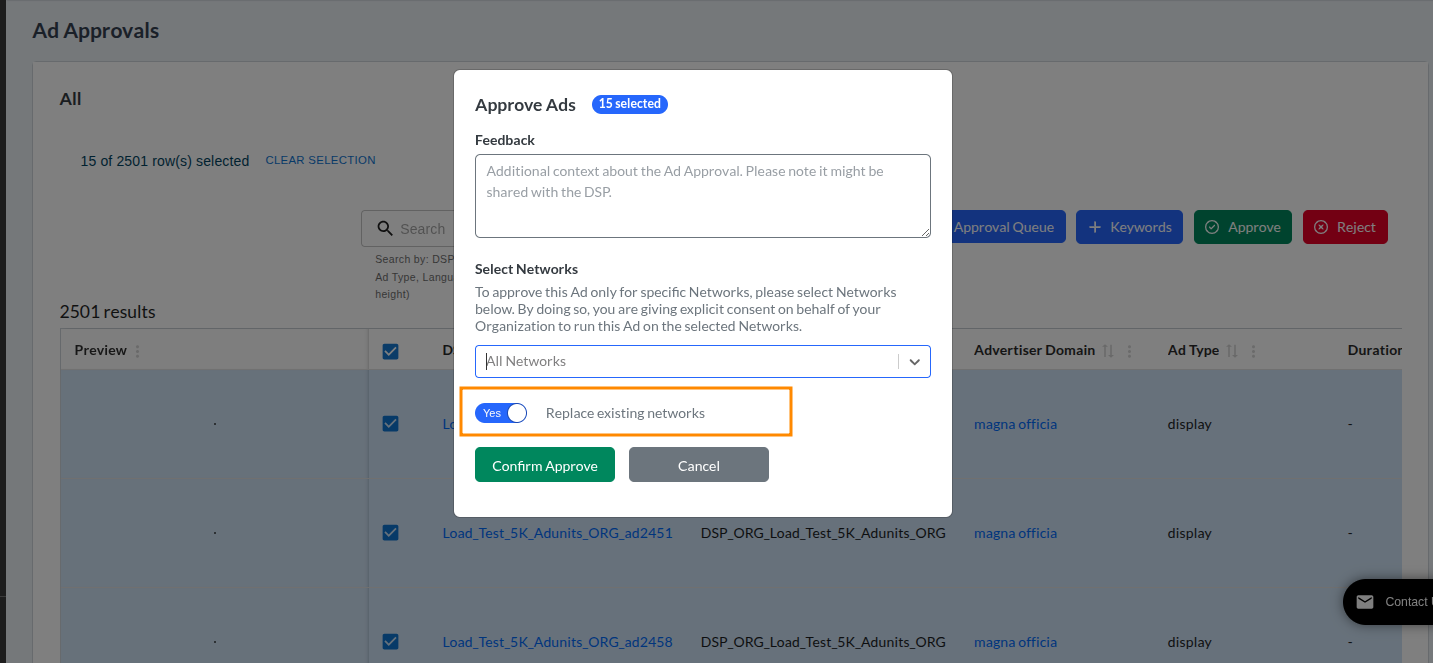
When managing ad approvals in bulk, you can now choose to append new keywords and network assignments to existing ones without overwriting previous data.
- Append by default – Add new keywords or networks to existing lists on selected creatives.
- Flexible replace option – Easily toggle on the option to overwrite/replace existing keywords or networks when needed.
For more details, see Add Keywords – Bulk (Ad Approval List) and Add Networks – Bulk (Ad Approval List).