 minute read
Place Exchange allows you to manage deals and campaigns directly, providing a robust alternative to your CMS. Within the Campaigns section of the Portal, you map publisher inventory to PMPs An invitation-only auction where premium publishers sell their ad space to a select group of advertisers. or other deals using a core tool called a Placement.
Placements
Place Exchange
Placements act as trafficking links that connect specific ad units to one or more buyer deals. When you apply targeting filters to these placements, you maximize the impressions your campaign acquires.
Publisher partners track and manage all registered placements within the Campaigns section of the Publisher Portal.
Note: If you create a Placement without a Start Date and End Date, but configure all targeting, the Placement becomes active immediately and runs indefinitely.
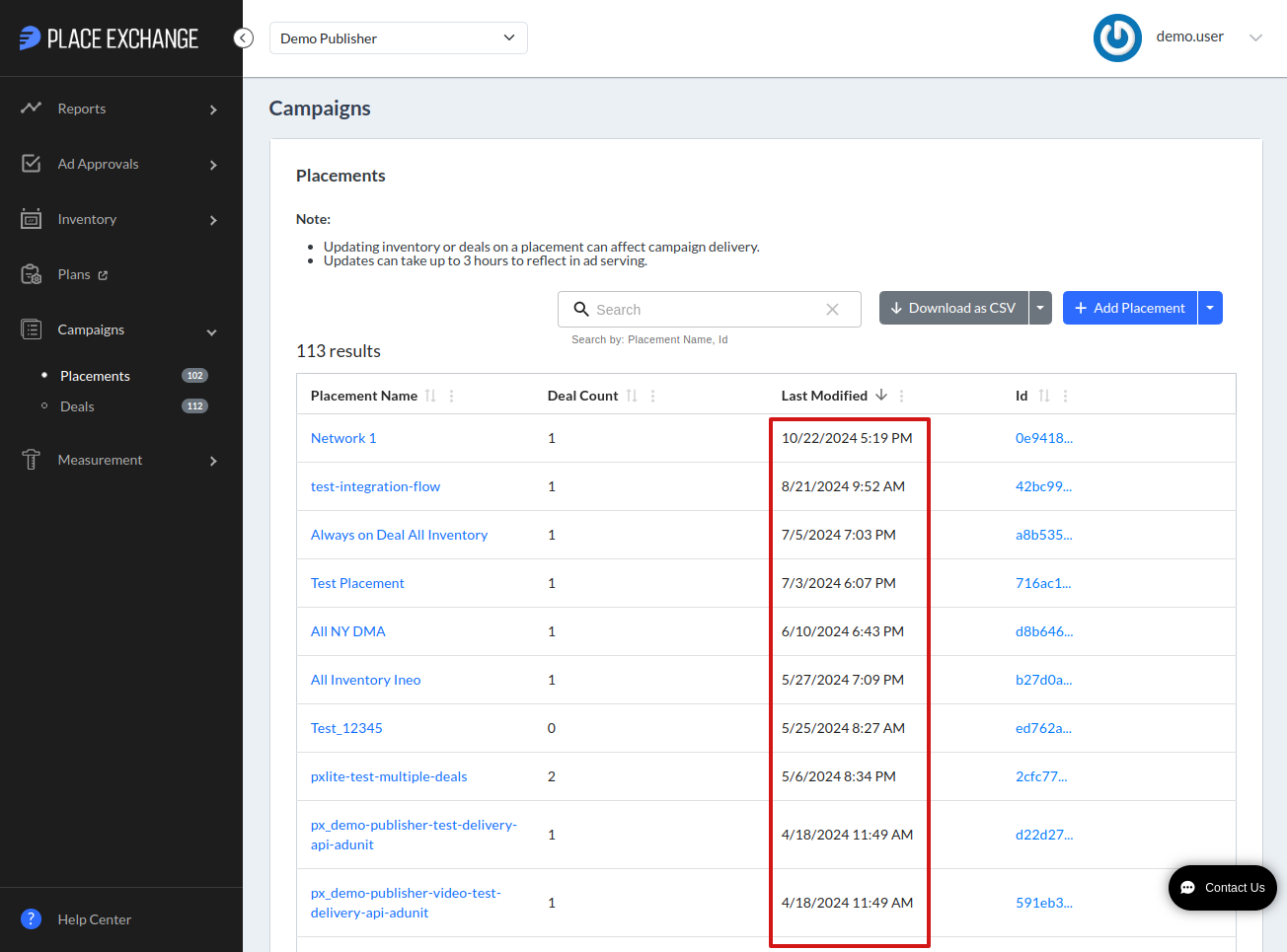
Access the summary of all Placements by navigating to the Campaigns section in the side navigation bar and clicking Placements. The summary view displays the following fields:
- Placement Name: A unique moniker that identifies the inventory group that the placement target.
- Deal Count: The total number of deals associated with the placement.
- Last Modified: The date and time (in UTC) when a user last updated the placement.
The contain-based search applies to the following columns, as displayed directly below the Search box:
- Id
- Placement Name
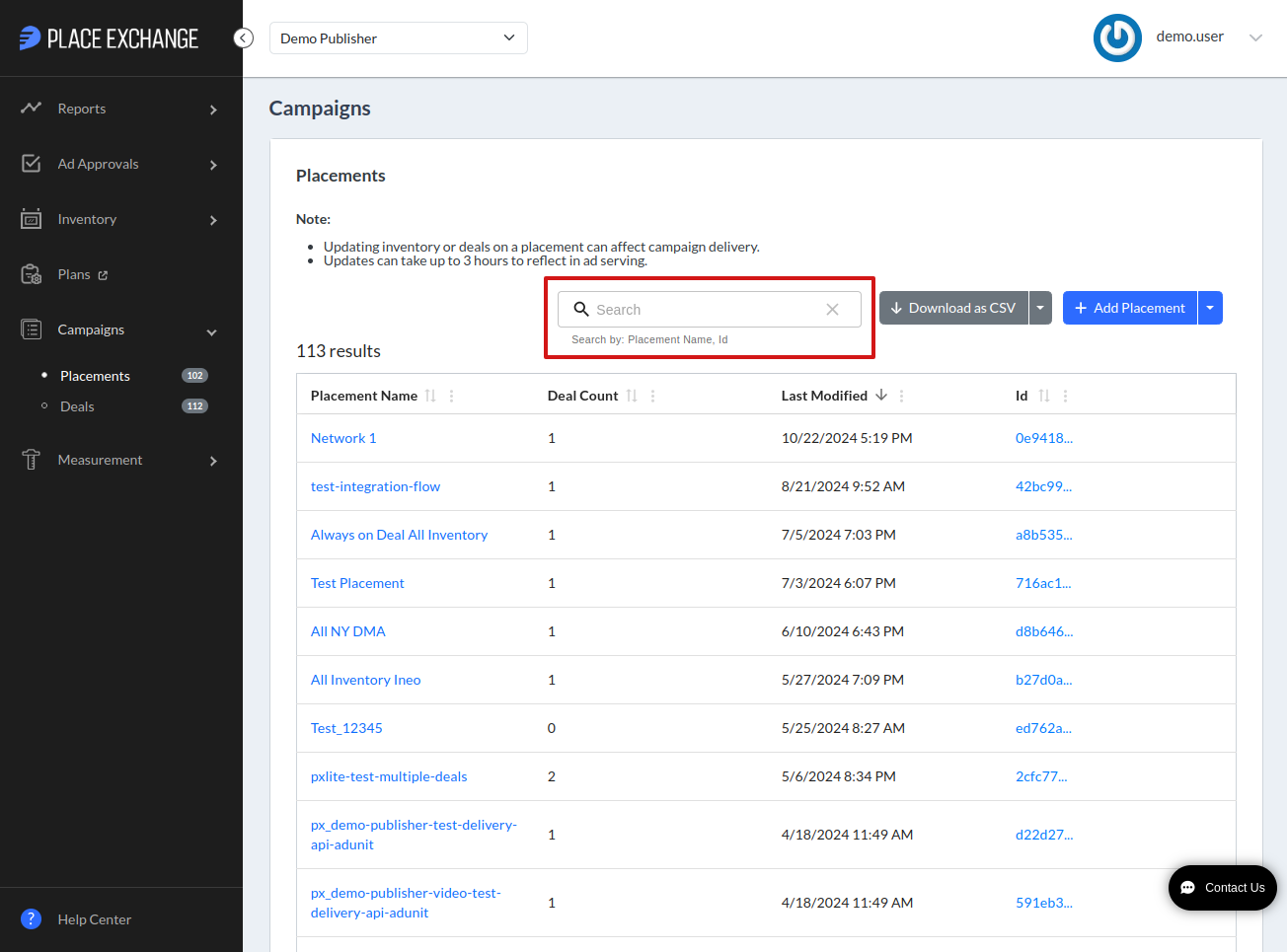
For example, if you search for the substring "test", the system returns all results containing that string, such as "Test_placement" and "Placement_test".
For an overview of how contain-based search works, see Searching.
Export all placements by clicking the Download as CSV button. The system also offers the option to export your data as an Excel formatted file, providing flexibility for your reporting needs.
Note: Excel truncates data that exceeds its cell limit of 32,767 characters. While the file contains the full dataset, Excel cannot display any characters beyond this threshold. To view the complete data, open the downloaded CSV file using a text editor instead of a spreadsheet application.
Note: Create Deals before creating Placements for a PMP Campaign. For more information on creating Deals, see Deal Management.
You can create Placements one at a time or in bulk. Regardless of the method you choose, gather the following information to complete the setup:
- Placement Information – General information about the placement such as its name and helpful notes for future reference.
- Dates & Budget – Set start and end dates of the placement, along with the times of day when it is active.
- Targeting – Targeting improves deal quality and operational efficiency by narrowing your inventory reach. Apply filters based on geographic locations, venue categories, keywords, and specific networks to refine your placement's performance.
- Deal information – Placements target deals based on either specific targeting filters or all inventory associated with the placement. While you can create a placement without deal information, the system will not target any deals until you return and complete this configuration.
To create or edit placements one at a time, see Single Placement Management in the Portal.
To create or edit placements in bulk, see Bulk Placement Management in the Portal.
